Settings
Configure your company details, invoice preferences, and account settings to make TikTak work exactly how you need it.
Company info
Your company information appears on every invoice. Fill in your business name, VAT number, address, and bank details under Settings → Company.
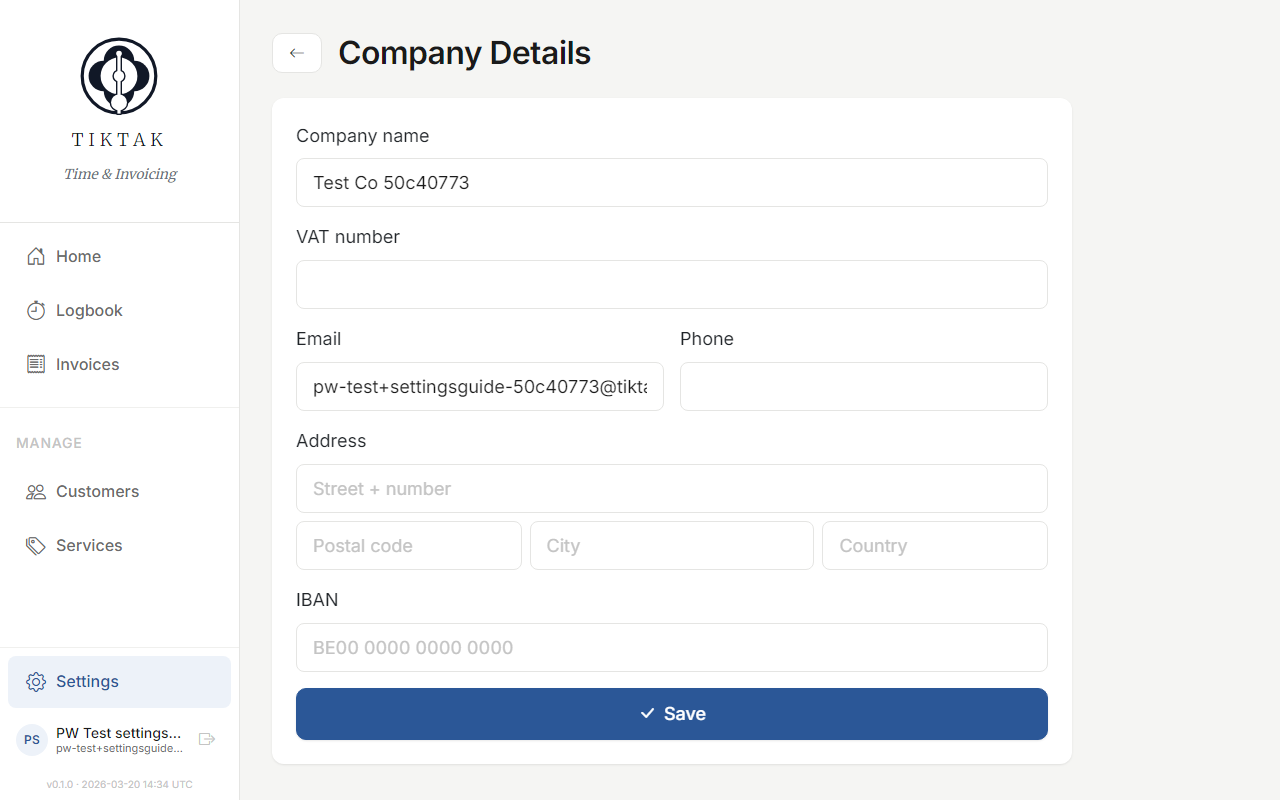
Tip: Add your bank account (IBAN) and payment terms so clients know exactly how and when to pay.
Invoice settings
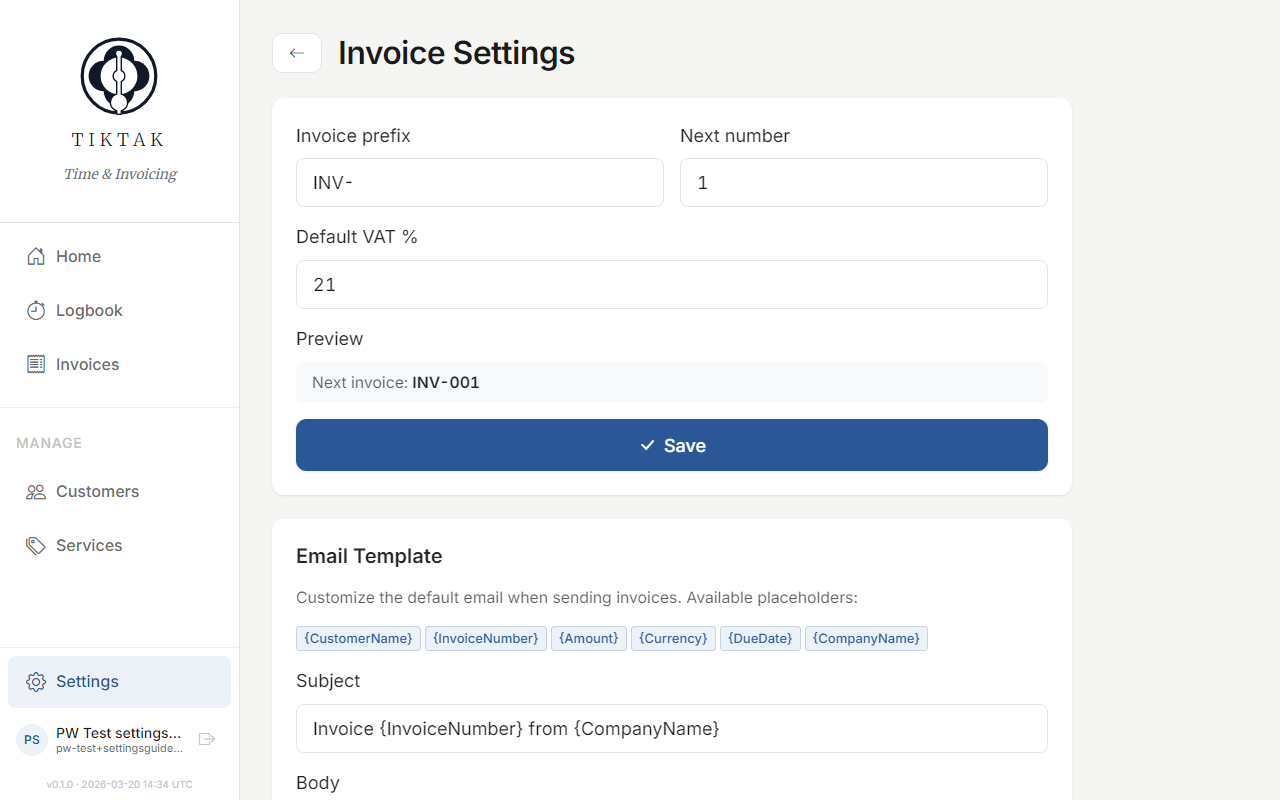
Customise how your invoices are numbered, the default VAT rate, payment terms, and any standard notes that should appear on every invoice.
Account
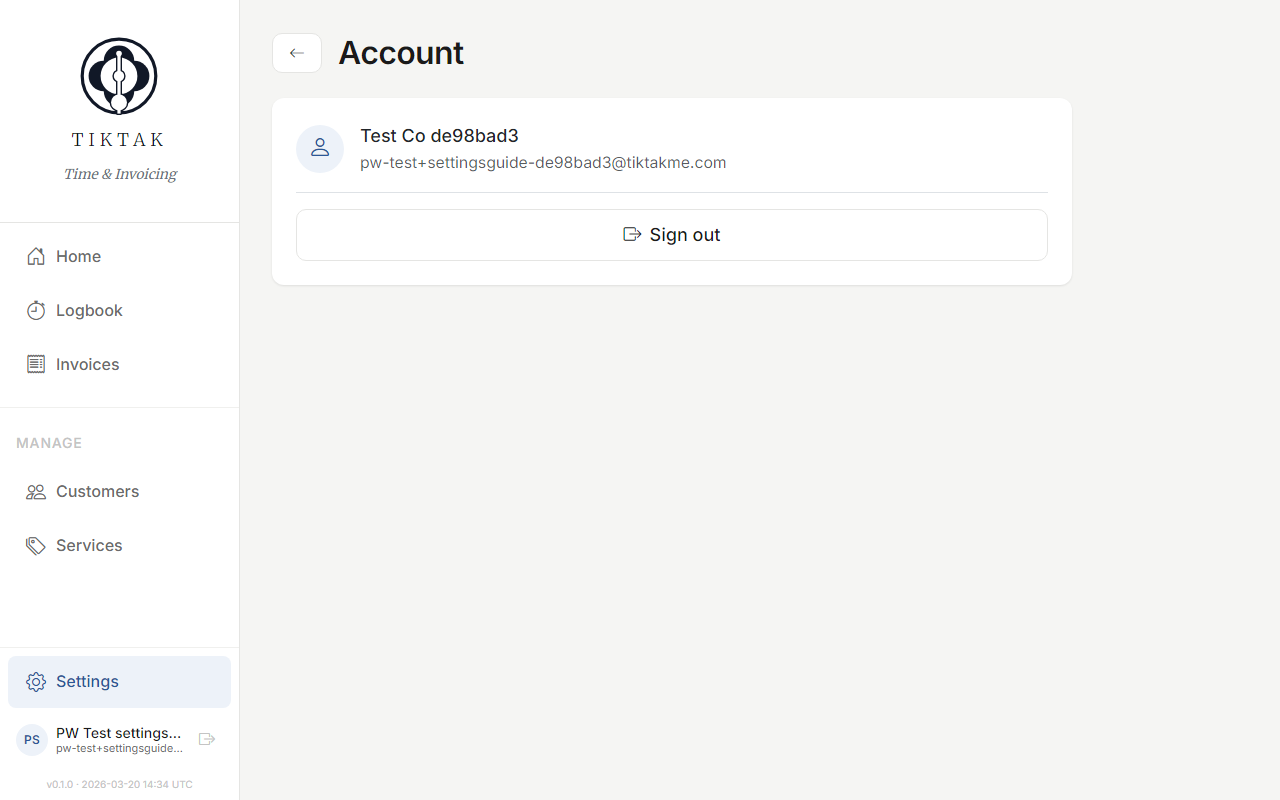
Manage your personal account: update your display name, email, or change your password.